How to Find Commercial Businesses for Your Cleaning Business to Do Outreach To

TL;DR , The Fastest Way to Build a Commercial Cleaning Prospect List
Define 3 to 5 target verticals (offices, medical clinics, gyms, churches, retail), pick your city, pull a structured list from Google Maps, then call, walk in, or email. Manual Google Maps browsing works but falls apart past 20 to 30 prospects because there is no export. A scraper like gtme.business pulls name, address, phone, website, hours, rating, and GPS coordinates for hundreds of businesses into a clean CSV in minutes. Aim for 50 to 200 outreach touches per week to generate consistent contract volume.
Key Takeaways
- Location granularity in gtme.business stops at city level, which is exactly the right scope for a cleaning territory.
- Each search in gtme.business covers one category + one city and returns up to ~500 businesses.
- You need a business list first, then a decision-maker name. These are two separate steps.
- Qualifying your exported list before calling saves hours and focuses effort on the highest-value prospects.
- 20 free searches, no credit card required at app.gtme.business is enough to pull a first list for two or three verticals in your city.
What “Commercial Business Outreach” Actually Means for a Cleaning Company
Commercial vs. residential clients , why the list-building process is different
Residential cleaning leads come from referrals, Nextdoor posts, and Yelp reviews. Commercial cleaning leads do not work that way. The businesses you want to clean are already listed on Google Maps with their address, phone number, and hours. They are discoverable right now. Google processes over 8.5 billion searches per day (per Internet Live Stats), and a substantial share of those are local-intent queries. Your prospects are already on the map. The question is how fast you can compile them into a workable list.
The other difference is volume. A residential client might book you once a month. A commercial client signs a recurring contract for weekly or nightly service. The upfront work of building a list is worth it because each won contract pays out for months or years.
Who actually buys commercial cleaning (the decision-maker is rarely the owner)
For a small retail shop, the owner might answer the phone and sign the contract the same day. For anything larger, the person who answers is not the person who decides. The roles to target are Facility Manager, Property Manager, Office Manager, and Operations Manager. At medical practices, it is often the Practice Administrator. At multi-tenant office parks, it is a property management company that controls cleaning contracts for every building in the complex, meaning one relationship unlocks multiple sites.
This matters for list-building because your Google Maps export gives you the business name, address, and phone. It does not give you the decision-maker’s name. That is a second step, covered later. Build the list first.
Step 1 , Choose Your Target Verticals Before You Search
The five commercial verticals with the highest cleaning contract win rates
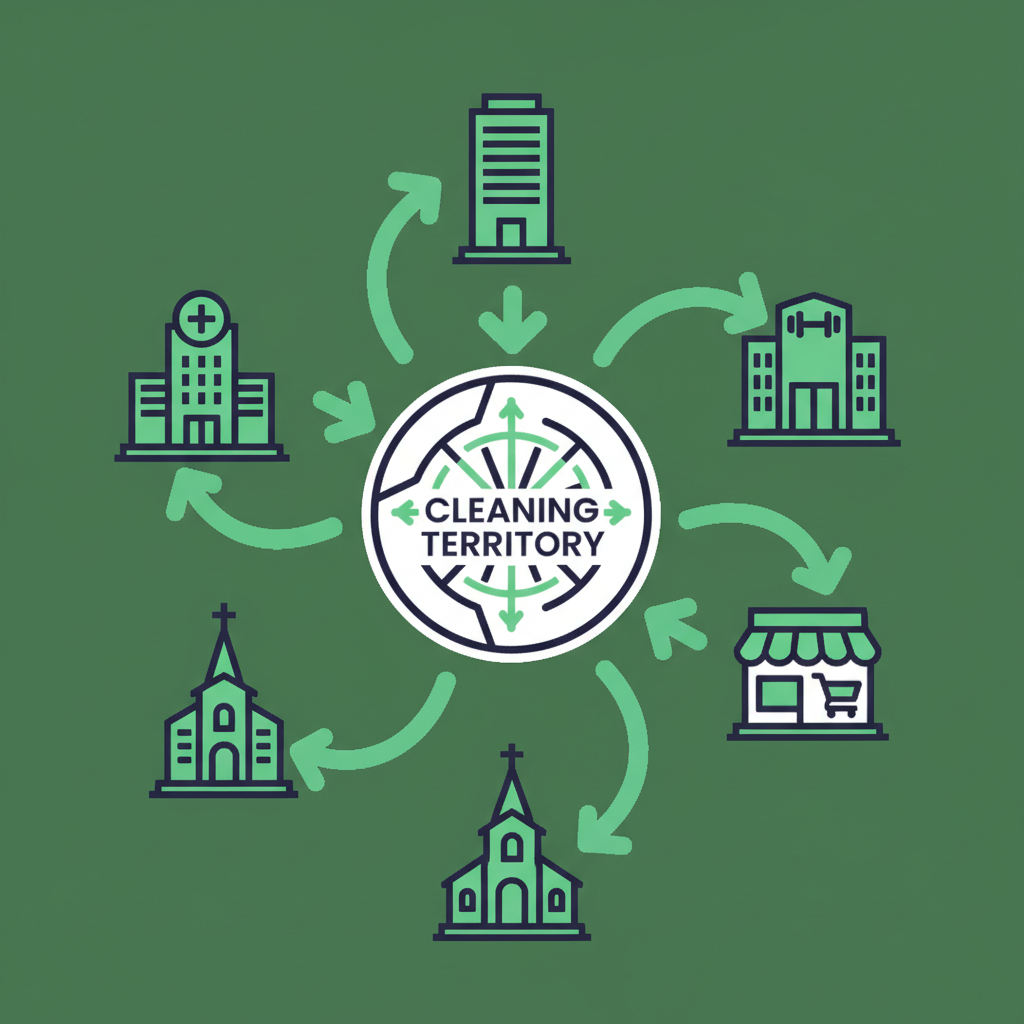
Not every business on Google Maps is a realistic cleaning prospect. A one-person accounting firm probably cleans its own office. A 40,000-square-foot medical complex definitely does not. Before you search, decide which verticals you are going after. The five that consistently produce the best results for cleaning companies are:
- Offices and professional services (law firms, accounting firms, insurance agencies, corporate suites) — recurring daily or weekly contracts, high margins, decision-makers are reachable by phone.
- Medical and dental clinics — strict cleanliness requirements, often daily cleaning, and they have budgets allocated for it. Competition exists but many clinics are unhappy with their current vendor.
- Gyms and fitness studios — predictable schedules, high-frequency cleaning needs (locker rooms, equipment, floors), and owners who understand the value of a clean facility for member retention.
- Churches and religious organizations — lower competition than offices, often need weekend cleaning, and decisions are made by a small facilities committee or administrator.
- Retail and multi-tenant properties — easier to find in geographic clusters, and property management companies often handle vendor relationships for entire plazas.
How to prioritize verticals by facility size, cleaning frequency, and contract value
Start with the vertical that matches your current crew size and equipment. A solo operator or a two-person team should start with small offices and medical suites, not 20,000-square-foot retail plazas. The LeadDuo 2026 guide to getting commercial cleaning contracts explicitly recommends offices, medical clinics, gyms, and churches as the primary Google Maps search targets for cleaning outreach, and advises building a list of at least 50 prospects per vertical per campaign before starting outreach.
Focusing on one or two verticals per campaign keeps your pitch specific. “We specialize in medical office cleaning in Austin” lands better than “we clean everything.”
Matching your capacity to the right niche
If you have two crews, target small offices and medical suites and aim for 10 to 15 new contracts. If you have five or more crews, go after multi-tenant buildings and property management companies where one contact controls multiple sites. The list-building process is the same either way. The category you search in gtme.business just changes.
Step 2 , Build Your Prospect List from Google Maps (Manual Method + Faster Method)
The manual Google Maps workflow: search terms, city selection, and what to copy
The manual process works like this. Open Google Maps, type “medical clinic in Denver,” scroll through the results, click each listing, and copy the name, address, and phone number into a spreadsheet. Repeat for “gym in Denver,” “office building in Denver,” and every other category you are targeting. It is accurate because you are looking at live Google Maps data. It is also slow.
For the first 10 to 15 listings, this feels manageable. By listing 25, you are losing track of which ones you have already copied. By listing 50, you are spending more time managing the spreadsheet than doing outreach. And there is no export. Every record is a manual copy-paste.
Why manual browsing breaks down past 20 to 30 prospects
Manual browsing has a hard ceiling of roughly 20 to 30 usable records per hour, and the data quality degrades as you go. You miss businesses that are listed but not visible in the default map view. You cannot sort by review count or filter by hours. You have no GPS coordinates for route planning. And if you want to cover five verticals across three cities, you are looking at days of copy-pasting before you make a single call.
This is the status quo for most cleaning business owners who are building their first prospect list. It works, but it does not scale.
How gtme.business scrapes Google Maps by category and city into a ready-to-use CSV
gtme.business is a Google Maps business-listing scraper built specifically for this workflow. Here is exactly how to use it for commercial cleaning prospecting:
Step-by-step in gtme.business:
- Sign up at app.gtme.business. You get 20 free searches with no credit card.
- Start a new search. Select your business category from the list of 3,900+ standardized Google Maps categories. For cleaning outreach, useful categories include “Medical Clinic,” “Dental Clinic,” “Gym,” “Fitness Center,” “Church,” “Office Building,” “Legal Services,” and “Property Management Company.”
- Select your location by drilling down to Country, then State/Region, then City. City is the finest level of granularity, which is exactly right for a cleaning territory. If you serve multiple cities, you can add them all in one session.
- The product shows you the estimated search cost before you run it (number of locations multiplied by number of categories equals total searches used).
- Run the search. Progress streams live to your screen. Each search returns up to ~500 business results.
- Export the CSV. Each row includes: business name, full address, city, state, phone, website, Google rating, review count, categories, latitude, longitude, working hours, price level, and a direct Google Maps link.
For a concrete example: searching “Medical Clinic” + “Austin, TX” returns up to 500 medical clinics in Austin with their name, address, phone, website, hours, and rating. Run the same search for “Gym” + “Austin, TX” and “Office Building” + “Austin, TX” and you have three exports covering three verticals, all ready for outreach, in under 30 minutes.
The pricing model is straightforward. Each location + category combination uses one search. The Starter plan is $35 per month for 30,000 searches. At that rate, you can cover dozens of verticals across dozens of cities without worrying about cost.
Step 3 , Qualify and Prioritize Your List Before You Pick Up the Phone
Signals that indicate a business is a good cleaning prospect
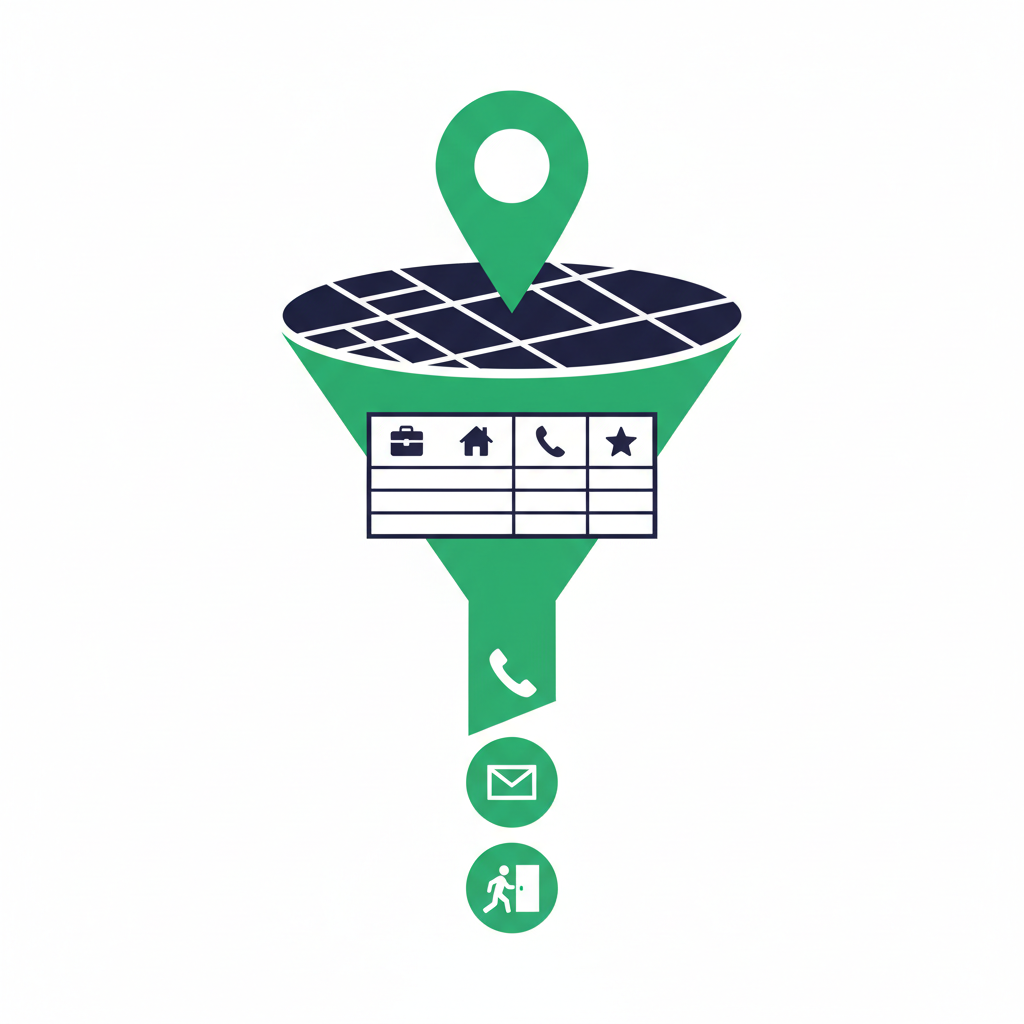
Not every business on your exported list deserves equal attention. Before you start calling, spend 20 to 30 minutes sorting and filtering your CSV to surface the best targets first.
The two strongest proxy signals in your gtme.business export are review count and working hours.
Review count is a proxy for foot traffic and business activity. A medical clinic with 400 reviews is busier than one with 12. More foot traffic means more cleaning need and a higher likelihood that they have an allocated budget for it. Sort your CSV by review count descending and start at the top.
Working hours tells you whether a facility operates extended hours or weekends. A gym open from 5 AM to 11 PM seven days a week needs cleaning multiple times per day. A church with Sunday-only hours needs weekend cleaning. Both are signals you can act on before you make the first call.
How to estimate facility size from address, photos, and review count
Your CSV includes the full street address and a direct Google Maps link for each business. Use those links to pull up Street View and get a rough sense of the building size before calling. A large parking lot, a multi-story building, or a strip-mall anchor tenant all suggest higher square footage and a larger cleaning budget.
For medical parks and office complexes, the address often tells you which building in a complex you are dealing with. A suite number like “Suite 100” in a large complex suggests a smaller tenant. A standalone address with no suite suggests the entire building.
Filtering your CSV to focus on the highest-value targets first
A simple filter workflow in Excel or Google Sheets:
- Sort by review count descending.
- Filter out businesses with fewer than 10 reviews (often too small or inactive).
- Flag businesses with working hours that include evenings or weekends as high-frequency targets.
- Add a “Priority” column with values 1, 2, or 3 based on your assessment.
- Work through Priority 1 contacts first.
This takes about 20 minutes on a list of 200 businesses and dramatically improves the quality of your first week of outreach.
Step 4 , Find the Decision-Maker at Each Business
How to identify the right contact at offices, medical facilities, and multi-tenant buildings
Your gtme.business CSV gives you the business name, address, and phone. That is enough to start. For small offices and retail businesses, calling the main number and asking “Who handles your facilities or cleaning vendors?” often gets you directly to the right person.
For larger facilities, you need to do one extra step. Swept’s guide on how to source and win commercial cleaning leads recommends a three-step outreach sequence (call, email, LinkedIn) and researching each prospect for signs like recent moves, renovations, or extended hours before first contact. The research step starts with knowing who you are trying to reach.
Using LinkedIn to find facility managers and property managers by location
Once you have the business name from your gtme.business export, go to LinkedIn and search for “Facility Manager” or “Office Manager” at that company. For property management companies, search for “Property Manager” + the company name. This takes two to three minutes per target and gives you a name and sometimes a direct message channel.
For medical practices, the decision-maker is often the Practice Administrator or Office Manager. Search LinkedIn for those titles at the practice name.
When to ask for the decision-maker on a cold walk-in vs. a cold call
On a cold walk-in to a small office or retail business, ask the receptionist directly: “I am with [your company name] and I wanted to speak with whoever handles your building maintenance or cleaning vendors. Is that person available?” You will not always get through, but you will get a name.
On a cold call, the same question works. If you get a name but the person is not available, ask for their direct email. Now you have a warm lead with a named contact, which is worth more than a generic inbox.
For multi-tenant buildings and office parks, the cleaning contract is almost always held by the property management company, not the individual tenants. One call to the property manager can open the door to cleaning contracts for every tenant in the building.
Step 5 , Run a Repeatable Outreach Sequence on Your List
Cold walk-ins: what to say, what to leave behind, and when to go back
Cold walk-ins work best for retail, gyms, small offices, and medical suites where you can get face-to-face with a decision-maker or at least leave something behind. Commercial cleaning sales training resources commonly recommend doing 50 to 200 cold walk-ins per week to generate a consistent flow of contracts. That number sounds high, but if your targets are clustered in office parks or retail plazas, you can hit 20 to 30 businesses in a single two-hour route.
What to bring: a one-page capability sheet with your company name, the services you offer, a starting price range (“starting at $X per visit for offices under 2,000 sq ft”), your phone number, and a simple before/after photo if you have one. Leave it with the receptionist if the decision-maker is not available, and note in your spreadsheet when to follow up.
Route planning is easier when your list includes GPS coordinates, which your gtme.business CSV provides. Sort your targets by proximity to plan an efficient walk-in route.
Cold calling from your CSV: the one-sentence opener that works for cleaning
The opener that works is specific, not generic. “Hi, I am calling for whoever handles your building’s cleaning service. We work with medical offices in [city] and I wanted to see if you would be open to a quick quote” is better than “Hi, do you need cleaning services?”
Specificity signals that you know their industry and are not calling from a random list. Your gtme.business export includes the business category, so you know whether you are calling a dental clinic, a law firm, or a fitness studio before you dial.
Aim for 20 to 40 calls per day. At a 5 to 10% callback or conversation rate, that produces 1 to 4 conversations per day, which translates to 5 to 20 qualified conversations per week.
Cold email and LinkedIn for decision-makers you can’t reach in person
For property managers and facility managers at larger buildings, cold email and LinkedIn are often more effective than walk-ins because access is controlled. Keep the email short: three sentences maximum. Reference something specific about their property (“I noticed your building on [Street] is a multi-tenant complex — we currently service two similar properties in [city]”), state what you do, and ask for a 10-minute call.
LinkedIn messages follow the same structure. Connection request with a short note, then a follow-up message after they accept.
The LeadDuo 2026 guide to getting commercial cleaning contracts recommends building a list of at least 50 prospects per vertical before starting outreach. With gtme.business, you can hit that number in a single search session.
gtme.business vs. Other Ways to Build a Commercial Cleaning Prospect List
There are a few other ways to pull Google Maps data. Here is how they compare for a cleaning business owner who wants a list fast without technical setup.
| Method | Cost | Setup effort | Geographic control | Export quality |
|---|---|---|---|---|
| Manual Google Maps browsing | Free | None | City, neighborhood | No export — copy-paste only |
| Outscraper | Usage-based per record | Moderate | City, coordinates | CSV, but unpredictable cost at scale |
| Apify Google Maps Scraper | Pay-per-compute + per-record | High (actor config, JSON) | Flexible | CSV, but requires technical setup |
| gtme.business | Flat monthly ($35/$75/$150) | None — web app | Country, state, city | Structured CSV, 13 columns, ready for outreach |
Manual browsing is free and accurate, but it caps out at roughly 20 to 30 usable records per hour with no export. For a first test, fine. For building a list of 200 medical clinics and 200 gyms across three cities, it is not practical.
Outscraper is a direct competitor and a capable tool. The problem for a cleaning business owner is the pricing model. Outscraper charges per record and per task, which makes costs unpredictable as you scale to hundreds or thousands of prospects per month. You also have to manage credits and configure parameters that are straightforward for a developer but add friction for someone who just wants a list.
Apify’s Google Maps Scraper is powerful but runs on a platform that requires configuring an actor, sometimes tweaking JSON, and managing compute credits. For a non-technical cleaning business owner, the learning curve is real. There is no flat monthly plan tied to a simple outreach workflow.
gtme.business is purpose-built for this use case. Flat monthly pricing, no technical setup, 3,900+ standardized categories, city-level location selection, and a CSV export that includes name, address, phone, website, rating, review count, categories, GPS coordinates, working hours, price level, and a Google Maps link — everything you need to start calling and walking in.
The free tier gives you 20 searches with no credit card. That is enough to pull a full list of medical clinics, gyms, and offices in your city before you spend a dollar.
Frequently Asked Questions
How do I find local offices and commercial buildings that need cleaning services?
Search Google Maps by category and city. Use categories like “Office Building,” “Medical Clinic,” “Dental Clinic,” “Gym,” or “Property Management Company” combined with your target city. For each search, you get a list of businesses with their name, address, and phone. A tool like gtme.business automates this and exports up to ~500 results per search as a structured CSV, so you can start calling the same day.
Which types of commercial businesses are most likely to need regular cleaning services?
The highest-probability verticals are medical and dental clinics (strict cleanliness requirements, daily cleaning budgets), offices and professional services firms (recurring weekly or nightly contracts), gyms and fitness studios (high-frequency cleaning needs), and multi-tenant commercial properties managed by property management companies. Churches and schools are lower-competition targets with predictable cleaning schedules.
How many businesses should I contact each week to get my first commercial cleaning contract?
Sales training resources for commercial cleaning commonly recommend 50 to 200 cold walk-ins per week for a consistent flow of contracts. At a realistic conversion rate, contacting 100 businesses per week across calls and walk-ins should produce 5 to 15 qualified conversations and 1 to 3 quotes per week. Close rates on quoted commercial cleaning jobs typically run 20 to 40%, so consistent outreach at that volume produces new contracts within the first two to four weeks.
How can I find the decision-maker — like a property manager or facility manager — for a building I want to clean?
Start with your exported business list from Google Maps. For small offices and retail, call the main number and ask who handles facilities or cleaning vendors. For larger buildings and medical parks, search LinkedIn for “Facility Manager” or “Property Manager” at the company name. For multi-tenant properties, identify the property management company (which often has its own Google Maps listing) and contact them directly — one relationship can unlock cleaning contracts for every building they manage.
Is cold calling or cold emailing better for getting commercial cleaning clients?
Both work, and the best approach depends on the target. Cold walk-ins and calls work best for small offices, retail, and gyms where you can reach the decision-maker directly. Cold email and LinkedIn messages work better for property managers and facility managers at larger buildings where walk-ins are screened. Swept’s guide on commercial cleaning lead generation recommends a three-step sequence (call, email, LinkedIn follow-up) with facility-specific research before first contact, which outperforms any single channel alone.
Can I search by ZIP code to find cleaning prospects in a specific neighborhood?
gtme.business does not have a ZIP code search feature — geographic granularity stops at the city level. For most cleaning territories, city-level search is exactly the right scope and returns up to ~500 businesses per category per city. If you want to focus on a specific part of a city, you can filter your exported CSV by street address or use the GPS coordinates to sort by proximity to your base of operations. ZIP code targeting is a manual filtering step you do in your spreadsheet after export, not a search parameter in the tool.
Start Building Your List Today
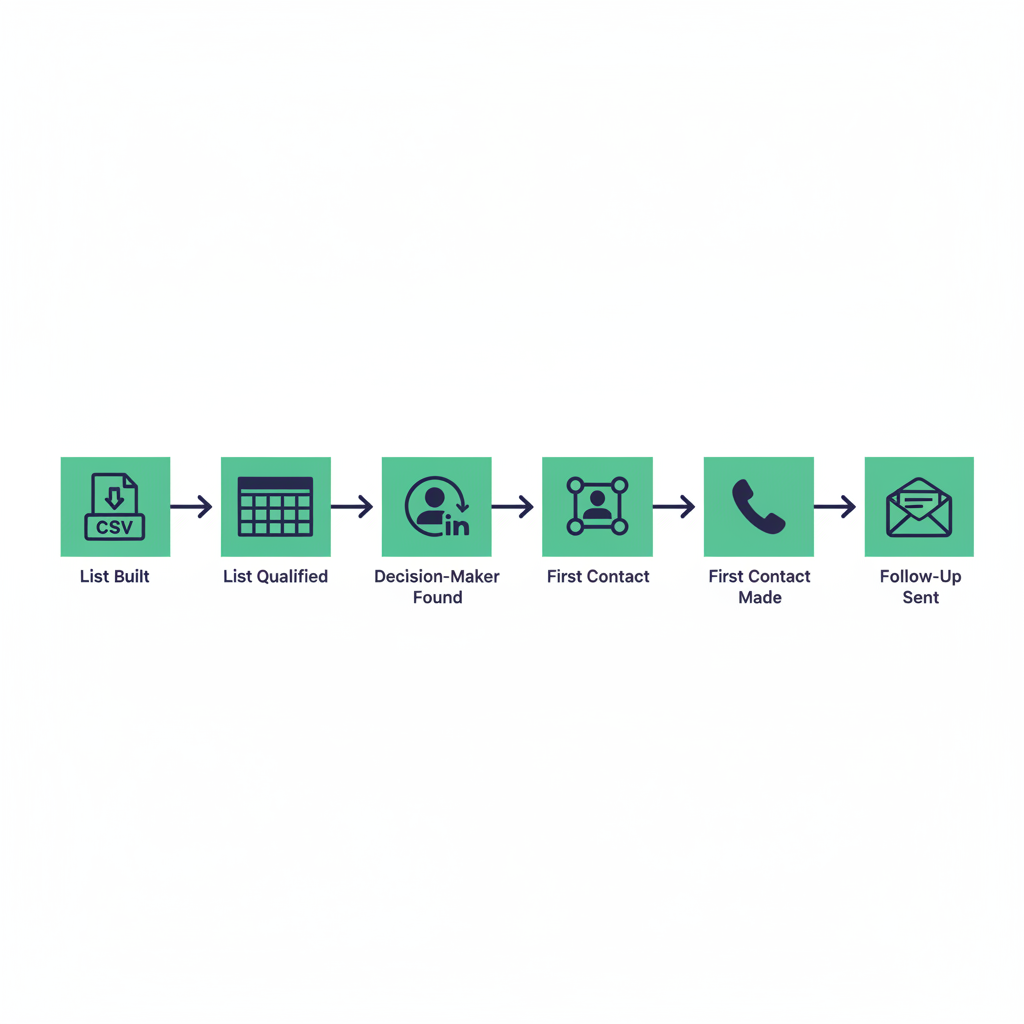
The process is straightforward. Pick your two or three best verticals, select your city, run the searches in gtme.business, export the CSV, sort by review count, and start calling. The LeadDuo 2026 guide recommends having at least 50 prospects per vertical before outreach begins. With gtme.business, you can hit that number in a single session.
The free tier at app.gtme.business gives you 20 searches with no credit card. That is enough to pull a full list of medical clinics and offices in your city before you spend anything. Start there, run your first outreach week, and upgrade when you are ready to expand to more cities and verticals.
Frequently asked questions
- How do I find local offices and commercial buildings that need cleaning services?
- Search Google Maps by category and city using terms like 'Office Building,' 'Medical Clinic,' or 'Gym.' A tool like gtme.business automates this and exports up to ~500 results per search as a structured CSV with name, address, phone, website, and hours, so you can start calling the same day.
- Which types of commercial businesses are most likely to need regular cleaning services?
- The highest-probability verticals are medical and dental clinics (daily cleaning requirements), offices and professional services firms (recurring weekly contracts), gyms and fitness studios (high-frequency cleaning needs), and multi-tenant commercial properties managed by property management companies. Churches and schools are lower-competition targets with predictable schedules.
- How many businesses should I contact each week to get my first commercial cleaning contract?
- Commercial cleaning sales training resources recommend 50 to 200 cold walk-ins or calls per week. At a realistic conversion rate, 100 contacts per week should produce 5 to 15 qualified conversations and 1 to 3 quotes, which at a 20 to 40% close rate generates new contracts within the first two to four weeks.
- How can I find the decision-maker like a property manager or facility manager for a building I want to clean?
- For small offices and retail, call the main number and ask who handles facilities or cleaning vendors. For larger buildings, search LinkedIn for 'Facility Manager' or 'Property Manager' at the company name. Property management companies often control cleaning contracts for multiple buildings, so one contact can unlock several sites.
- Is cold calling or cold emailing better for getting commercial cleaning clients?
- Both work depending on the target. Cold walk-ins and calls work best for small offices, retail, and gyms. Cold email and LinkedIn work better for property managers and facility managers at larger buildings where walk-ins are screened. A three-step sequence combining call, email, and LinkedIn follow-up with facility-specific research outperforms any single channel alone.
- Can I search by ZIP code to find cleaning prospects in a specific neighborhood?
- gtme.business does not have a ZIP code search feature -- geographic granularity stops at the city level, which is the right scope for most cleaning territories. After exporting your CSV, you can filter by street address or sort by GPS coordinates to focus on a specific part of the city. ZIP targeting is a manual spreadsheet step, not a search parameter in the tool.
Keep learning: guides & glossary · use cases · lead lists by city